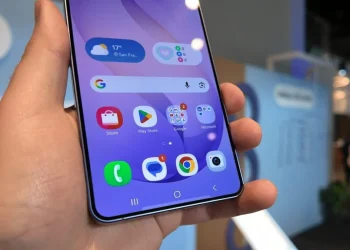
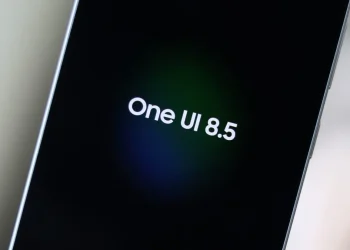
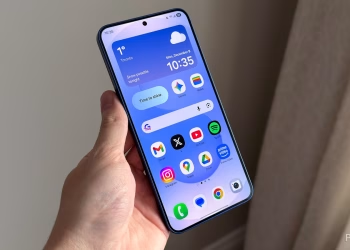
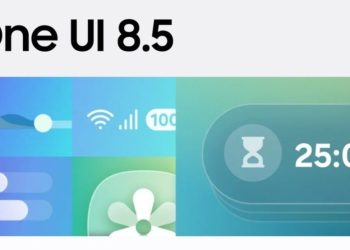
Samsung has rolled out a major update for the Samsung TV Plus app on Galaxy smartphones and tablets. This new version, 1.0.26.8, introduces a fresh design that matches the One UI 8.5 style, which is part of Android 16 QPR2. Users can now enjoy a more streamlined, modern interface.
New One UI 8.5 Design for Samsung TV Plus
The update brings a major design change. In the previous version, users saw two fixed bars at the top and bottom of the screen. One had the Home and Live TV tabs, and the other had search and menu icons. Now, the floating bottom bar combines these icons. This makes the app look cleaner and easier to use.
Streamlined User Interface Enhancements
This update frees up space. The new bottom bar not only saves screen space but also makes navigation smoother. By moving the search and menu options to the bottom, Samsung’s new design feels much more intuitive. The app’s design now fits better with other One UI 8.5 apps.
Tapping on the menu icon brings up a pop-up with four options: Continue Watching, Watch List, Notices, and Settings. These options were previously at the top-right corner. Now, they are much easier to access.
Read Also
Foldable OLED Displays: What’s Next for Samsung?
Samsung Expands The Frame TV Sizes for 2026
SamMobile News: Latest Samsung Updates
How to Update Samsung TV Plus
To get the latest version of Samsung TV Plus, open the Galaxy Store. Tap the hamburger menu at the top-left corner. Then, select “Updates” and tap the update icon next to Samsung TV Plus. You can also hit “Update all” to update all apps at once.
Samsung’s Ongoing Commitment to Innovation
Samsung continues to enhance the user experience on Galaxy devices. With frequent updates, the company ensures its apps stay aligned with current design trends.