Samsung app updates are rolling out across several Galaxy applications as the company continues refining the software experience on its latest smartphones. The updates target six core apps used across Samsung devices and introduce improvements ranging from interface changes to bug fixes.
The latest Samsung app updates cover Always On Display, Personal Data Intelligence, Samsung Cloud, Samsung Contacts, Samsung Phone, and Voice Wake-Up. While most changes focus on stability improvements, some updates introduce subtle design upgrades that improve the overall user experience.
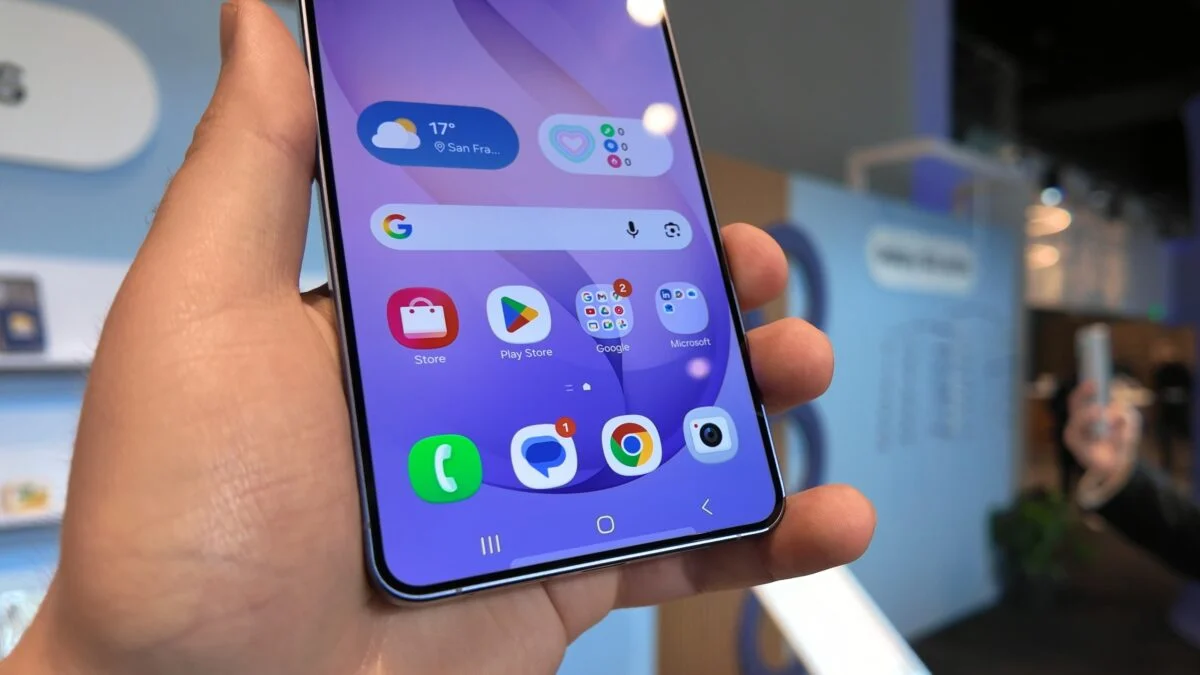
According to early reports, these updates currently appear on the Galaxy S26 series. Samsung is expected to expand availability to older Galaxy models soon.
Samsung app updates improve core Galaxy apps
Several of the Samsung app updates address stability issues across essential communication apps. Both Samsung Contacts and Samsung Phone received bug fixes designed to improve reliability during everyday use.
These fixes target minor issues affecting performance and stability. Although Samsung has not disclosed the exact technical details, such updates often resolve glitches that cause slow responses, syncing problems, or occasional crashes.
Because Contacts and Phone remain among the most frequently used apps on Galaxy devices, even small improvements can significantly enhance the overall user experience.
Always On Display update improves interface
One of the most noticeable Samsung app updates affects Always On Display. Samsung says the update improves the visibility of the Now Bar when users switch between light and dark mode.
The update also resolves several graphical user interface errors. These fixes aim to make information on the lock screen easier to read in different lighting conditions.
Always On Display remains one of Samsung’s most recognizable software features. It allows users to view time, notifications, and widgets without unlocking their devices.
With this latest update, Samsung appears to be refining how the feature adapts visually to different themes.
Read Also
Samsung Notes may add third-party fonts after user demand
Galaxy Z Fold 8 faces new pressure from Oppo Find N6
Galaxy S27 Ultra price fears grow over Snapdragon 8 Gen 6
Samsung Cloud update introduces new interface
Among the Samsung app updates, Samsung Cloud appears to include a visual redesign that improves how backup information is displayed.
Although the company did not officially mention the change in its release notes, users have noticed a redesigned interface that clearly shows which apps and data types are being backed up.
This new layout helps users quickly see which files remain protected in cloud storage and which items still require backup.
The improvement may help users manage device backups more easily, particularly when switching devices or restoring data.
Voice Wake-Up and Personal Data Intelligence updates
Samsung has also released Samsung app updates for Voice Wake-Up and Personal Data Intelligence. However, the company has not provided detailed information about what these updates include.
Voice Wake-Up allows Galaxy devices to respond to voice commands without manual interaction. Meanwhile, Personal Data Intelligence supports Samsung’s growing focus on AI-powered personalization.
These updates likely improve performance, accuracy, or background processes. However, Samsung may reveal more details in future update notes.
Updates currently limited to Galaxy S26 series
Early reports indicate that some of the Samsung app updates currently appear only on the Galaxy S26 lineup. This includes the Galaxy S26, Galaxy S26+, and Galaxy S26 Ultra.
Samsung often releases updates gradually across devices. New software frequently launches first on the latest flagship models before expanding to older devices.
As a result, users of previous Galaxy models may receive these updates in the coming weeks through the Galaxy Store.
How to install the Samsung app updates
Galaxy users can install the latest Samsung app updates directly from the Galaxy Store.
First, open the Galaxy Store on your device. Then tap the menu icon located in the top-left corner of the screen.
Next, select the Updates option from the menu. Finally, tap the Update all button located at the top-right corner of the screen.
This process will install the newest versions of supported Samsung applications on the device.
Samsung regularly releases small updates like these to improve stability and enhance the overall experience across Galaxy smartphones. As the company continues expanding its AI and software ecosystem, frequent Samsung app updates will likely remain an essential part of the Galaxy platform.