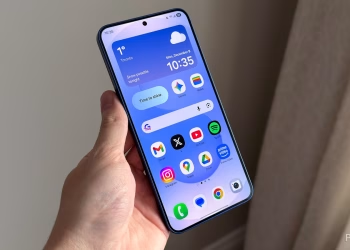
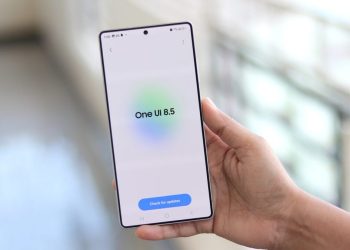
Samsung has officially fixed a persistent bug affecting the One UI 8 dynamic wallpaper feature. The company is now rolling out a new update for its Wallpaper and Style app to resolve the problem. Consequently, users should no longer experience issues where the animated colors freeze or revert to a static image.
The One UI 8 dynamic wallpaper feature was a key visual addition to Samsung’s latest software. It continuously shifts through a spectrum of colors to provide a fresh look. However, a bug disrupted this experience for many users by stopping the dynamic effect.
The Solution and How to Install It
Samsung has now deployed a dedicated update for its core Wallpaper and Style application. This update specifically targets the bug that was interrupting the dynamic wallpaper functionality.
The rollout is currently beginning in South Korea. Therefore, Samsung will likely expand the update to other global regions very soon. To check for the update on your own device, please follow these steps:
- First, open the Galaxy Store app.
- Then, tap the hamburger menu icon (≡) in the top-left corner.
- Next, select “Updates” from the menu that appears.
- Finally, if an update for the Wallpaper and Style app is available, you can install it directly from this list.
Installing this update should permanently resolve the issue. For more official information on One UI features, you can visit the Samsung One UI page.
In conclusion, this swift fix highlights Samsung’s commitment to addressing user feedback. By efficiently resolving the One UI 8 dynamic wallpaper bug, the company ensures that Galaxy users can consistently enjoy the vibrant, dynamic aesthetic that the software promises.